
Learn. Build. Get Hired.
Master real creative skills through structured courses, practical projects, assessments and interactive learning - all inside PixelCube Academy.





Join a growing community of creators
Learn creative skills that lead somewhere.
Don't just watch lessons. Learn through structured paths, complete real challenges and turn your skills into work you can actually show.

Step-by-Step
Learning
Follow structured lessons designed to take you from the fundamentals to confident real-world execution.

Build Real
Projects
Turn every skill into practical assignments, portfolio projects and creative work that proves what you can do.

Track Your
Progress
Complete lessons, assessments and milestones while tracking your progress throughout the course.
Everything you need to grow as a creator.
Learning, projects, assessments, community, progress tracking and career-focused opportunities — connected in one creative learning experience.
Structured Masterclasses
Learn through complete creative programs designed around real industry workflows, practical skills and guided progression.
Learn.
Practice.
Prove Your Skills.

Project Files + Resources
Community + Leaderboards
Share ideas, learn with other creators and compete on course leaderboards as you progress.
Assignments + Practical Exams
Test what you've learned through assignments, quizzes, practical challenges and course-specific assessments.
Progress +
Verified Achievements
Track your journey from your student dashboard and unlock certificates, milestones and course-specific opportunities.
Built for learning by doing.
Every PixelCube Academy course combines structured learning with practical execution, helping you turn knowledge into real creative ability.
0+
0+
0+
Choose your creative path.
Build industry-ready skills through focused masterclasses in editing, motion design, color, photography and creative production.


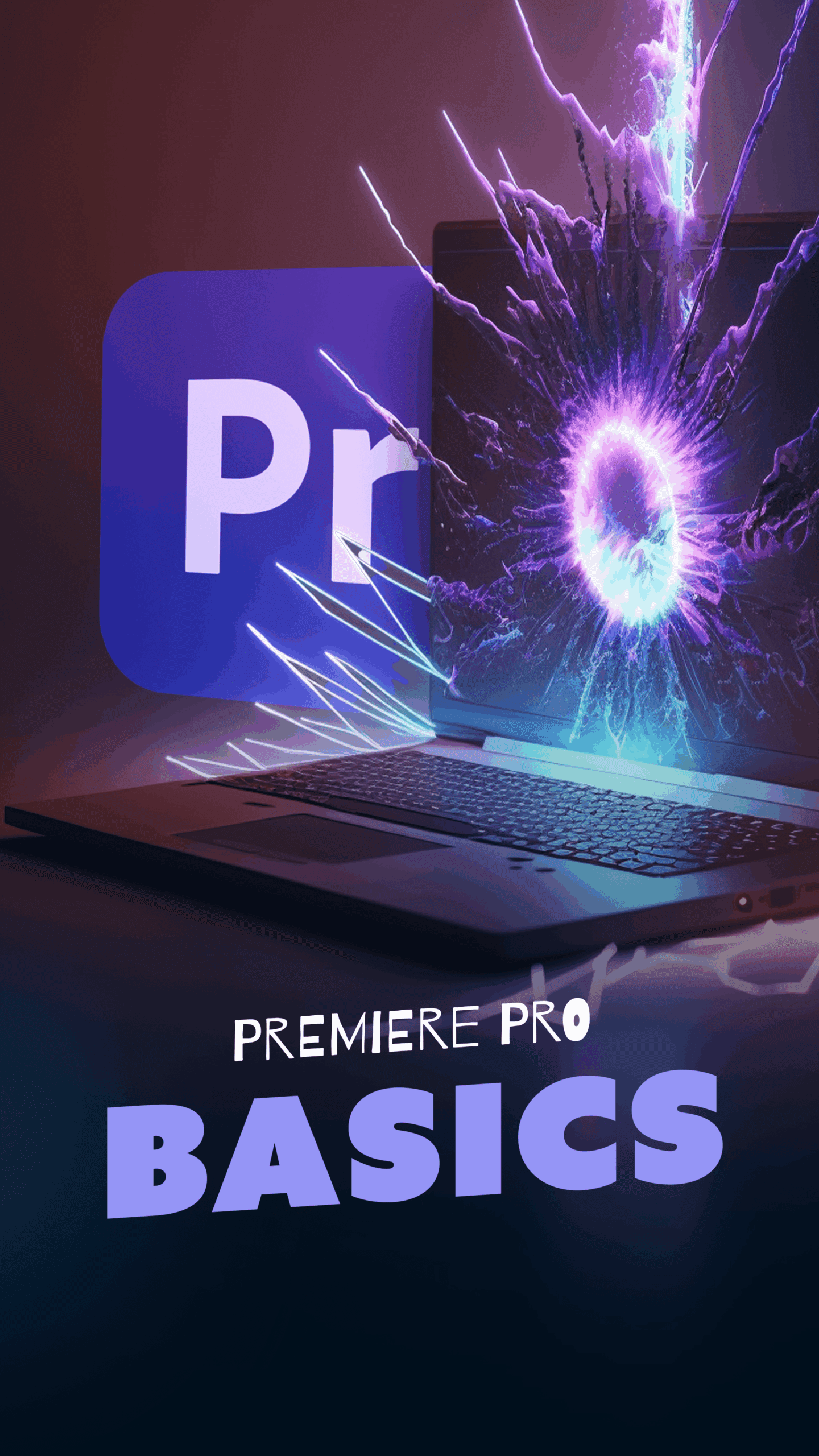
Adobe Premiere Pro Masterclass Test Test
Master Adobe Premiere Pro from beginner to intermediate level through an 8-week practical course covering professional editing, audio, captions, motion, effects, color grading, and exporting. Learn to create polished videos for YouTube, Reels, TikTok, promotional content, and real client projects.
Built with creators.
Proven by students.
See how students are learning new skills, completing real projects and growing through PixelCube Academy.

Kalhara Gunarathna
“I started this course with almost no knowledge of Premiere Pro, but now I feel confident editing complete videos on my own. The practical sessions made everything much easier to understand.”

Dinuka Bandara
“What I liked most about this course was that it wasn't just theory. Every week we had practical work, assignments, and real editing challenges that helped me improve quickly.”

Chamika Sandaruwan
“Before joining, my editing workflow was very unorganized. Now I know how to properly organize footage, build a timeline, add B-roll, clean audio, color grade, and export videos professionally.”

Pathum Karunasinghe
“The course helped me understand how professional editors actually work. Learning shortcuts, pacing, captions, sound design, and color correction made a huge difference in the quality of my videos.”

Maleesha Herath
“I really enjoyed the step-by-step learning process. We started from the basics and gradually moved into more advanced editing, so I never felt lost even though I was a beginner.”

Anjalee Sakhila
“The final project was one of the best parts of the course. Working with RAW footage, voiceovers, music, B-roll, and a client-style brief gave me the confidence to handle real editing projects.”

Kalpa Nuwan
“I can now create YouTube videos, Reels, talking-head videos, and promotional content much more professionally. This course gave me both the technical skills and the confidence I needed.”

Vidu Abhayasinghe
“The feedback during the practical sessions was extremely helpful. I was able to identify my mistakes, improve my pacing and storytelling, and make my edits look much cleaner and more professional.”

Darshana Thamara
“I joined mainly to learn Premiere Pro, but I ended up learning much more about the complete video editing workflow—from project organization and audio mixing to motion, color grading, and final delivery.”

Hasith Chamika
“This course gave me a clear direction as a video editor. By the end of the program, I had completed several practical edits, improved my portfolio, and felt much more prepared to work on real client projects.”
Frequently asked questions.
Everything you need to know before starting your PixelCube Academy journey.